
一、镜头1
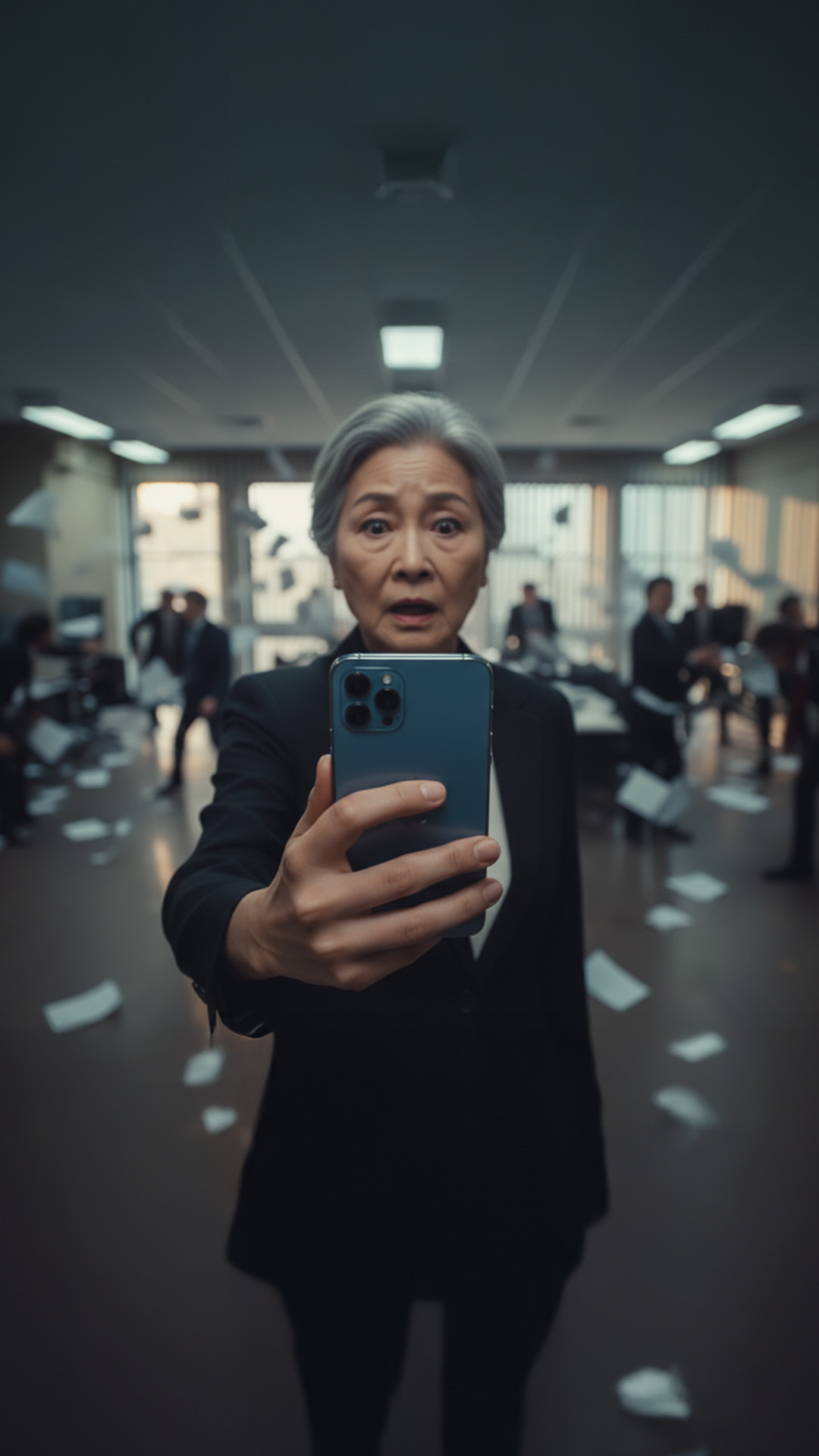
Create me a filmic looking wide angle close-up of man holding modern smart phone directly towards the camera. Female character. large room behind her. Holding the phone forward with one hand. Phone is metallic blue finish. retain the style of the original image. Chaos in the background, paper flying in the air people arguing all out of focus. Extreme wide angle lens.
二、镜头2
Create me a filmic looking wide angle close-up of man holding modern smart phone directly towards the camera. Female character. large room behind her. Holding the phone forward with one hand. Phone is metallic blue finish. retain the style of the original image. Chaos in the background, paper flying in the air people arguing all out of focus. Extreme wide angle lens.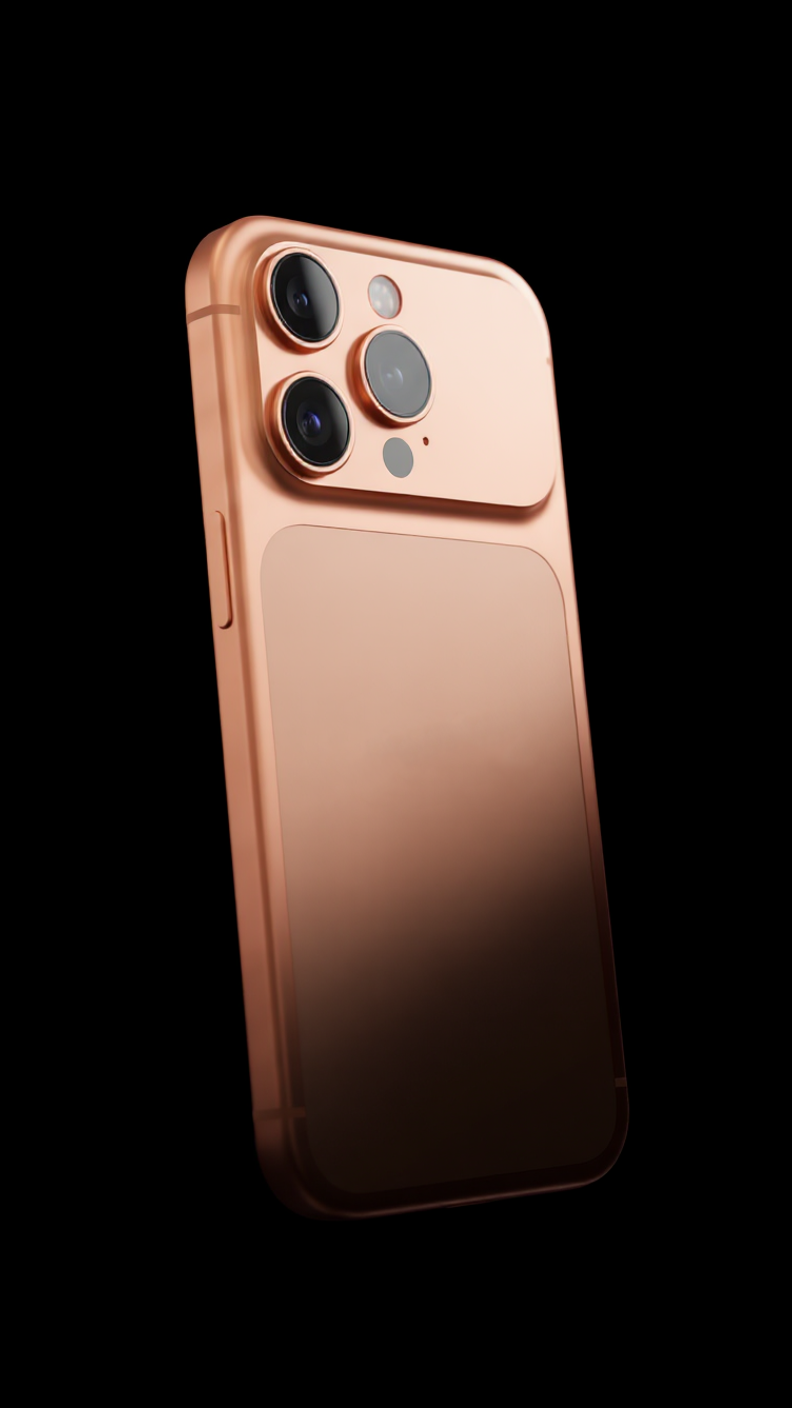
三、镜头3
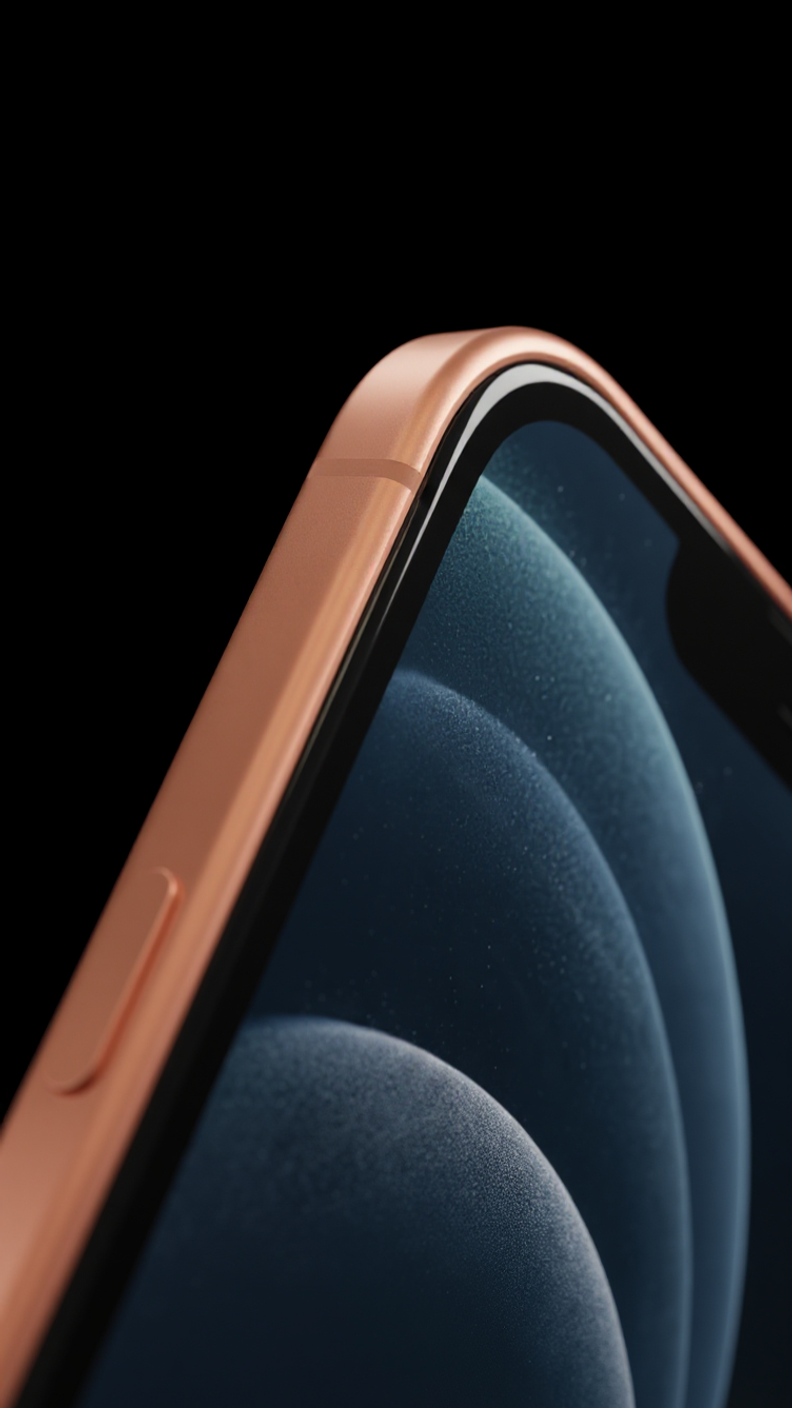
Create me a high quality CGI render of this phone. Dark black sleek background, seamless void. remove the hand. adjust the angle. cgi render quality. Dramatic lighting. reflection metallic texture. Bottom half of product is obscured in darkness.
四、镜头4
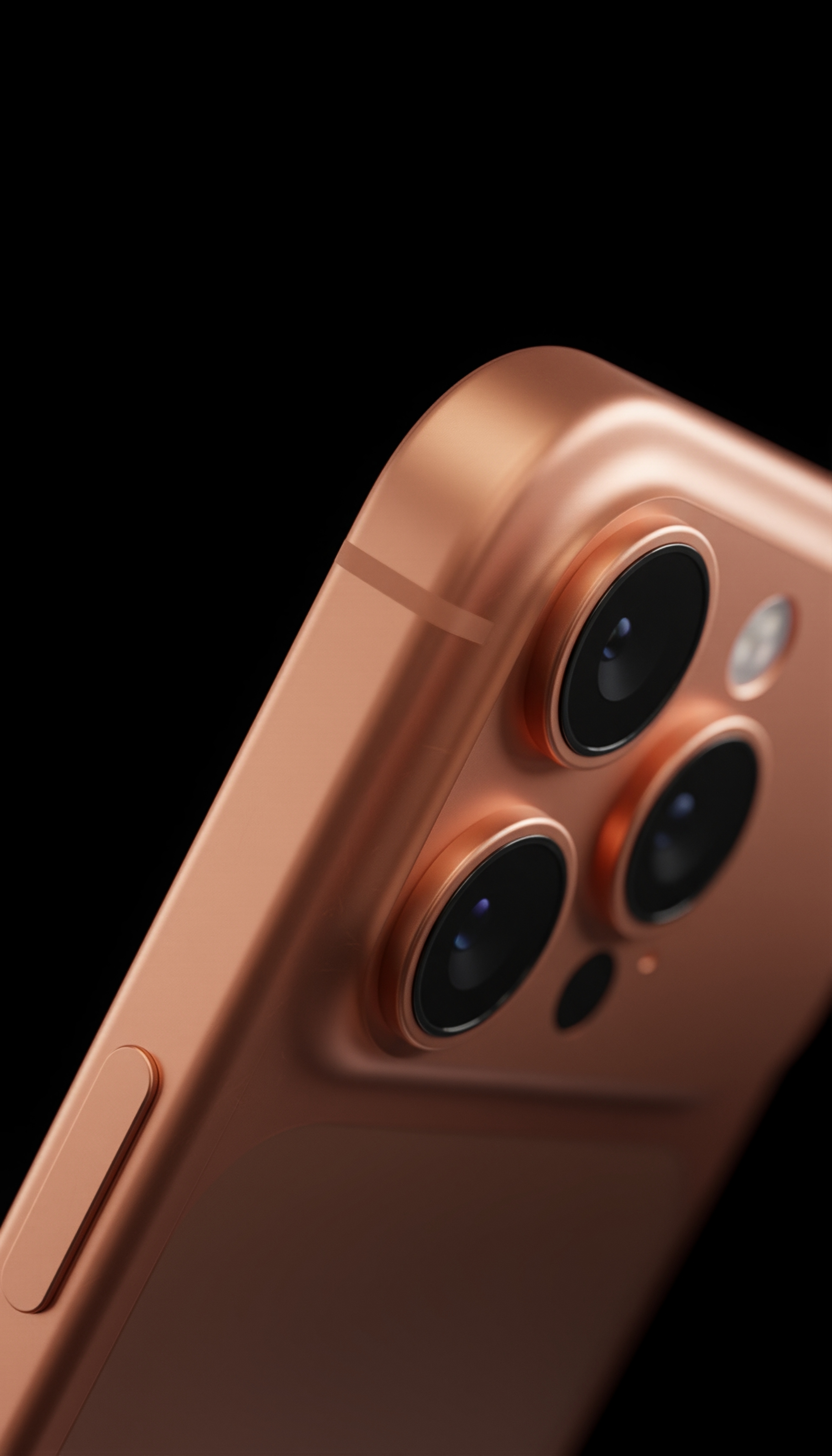
Create me a high quality CGI render of this phone. Dark black sleek background, seamless void. remove the hand. adjust the angle. cgi render quality. Dramatic lighting. reflection metallic texture.Bottom half of product is obscured in darkness.
五、镜头5
Have this phone emerging from clear liquid in dark seamless void. have extreme close-up dark image. base of phone is extremely close to camera lens.
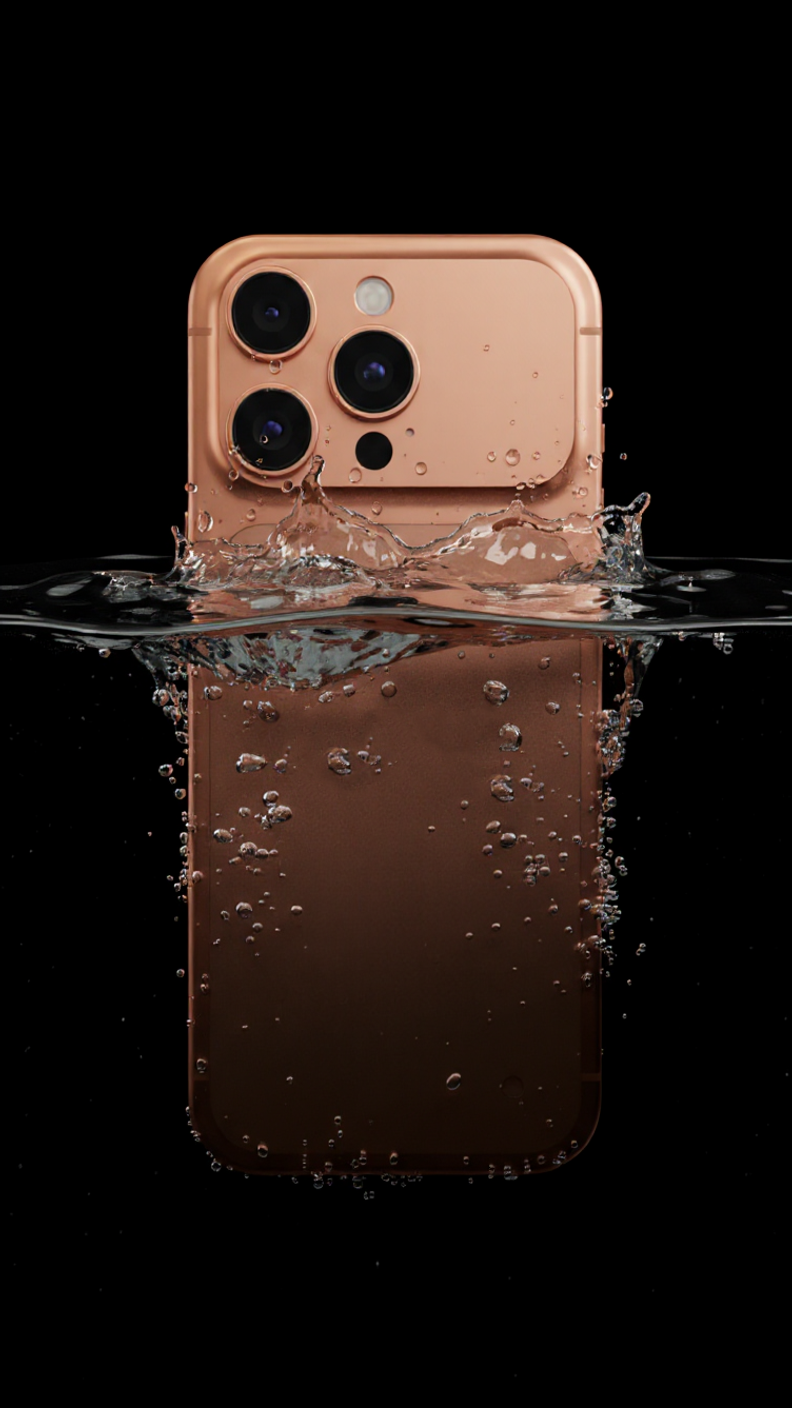
六、镜头6
Have a model kissing this phone. Interesting fabric/pillow background texture.

七、镜头7
Change to an extreme close-up of the thing hand on the desk. From below. Wide angle lens.
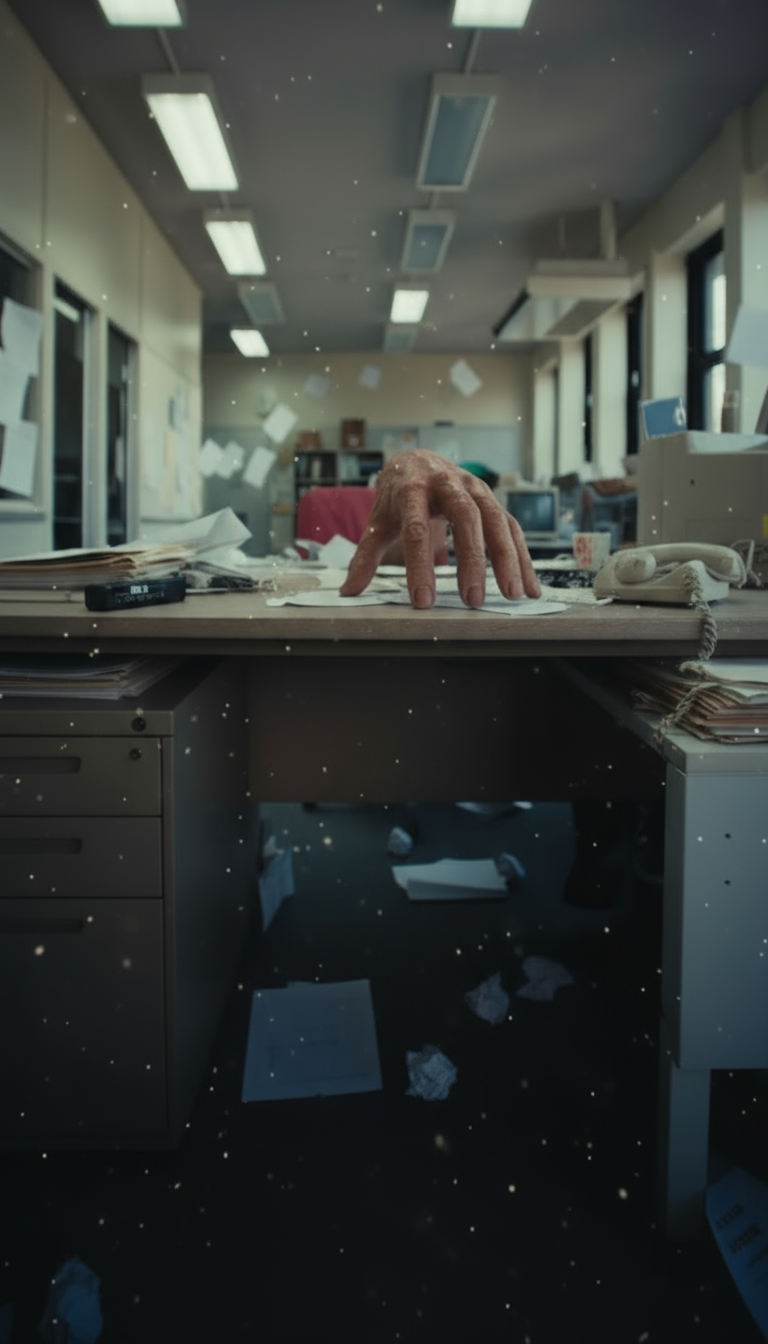
八、镜头8
Change the camera lens to realistic eyeball. blood shot. HAlf in darkness. dramatic lighting.
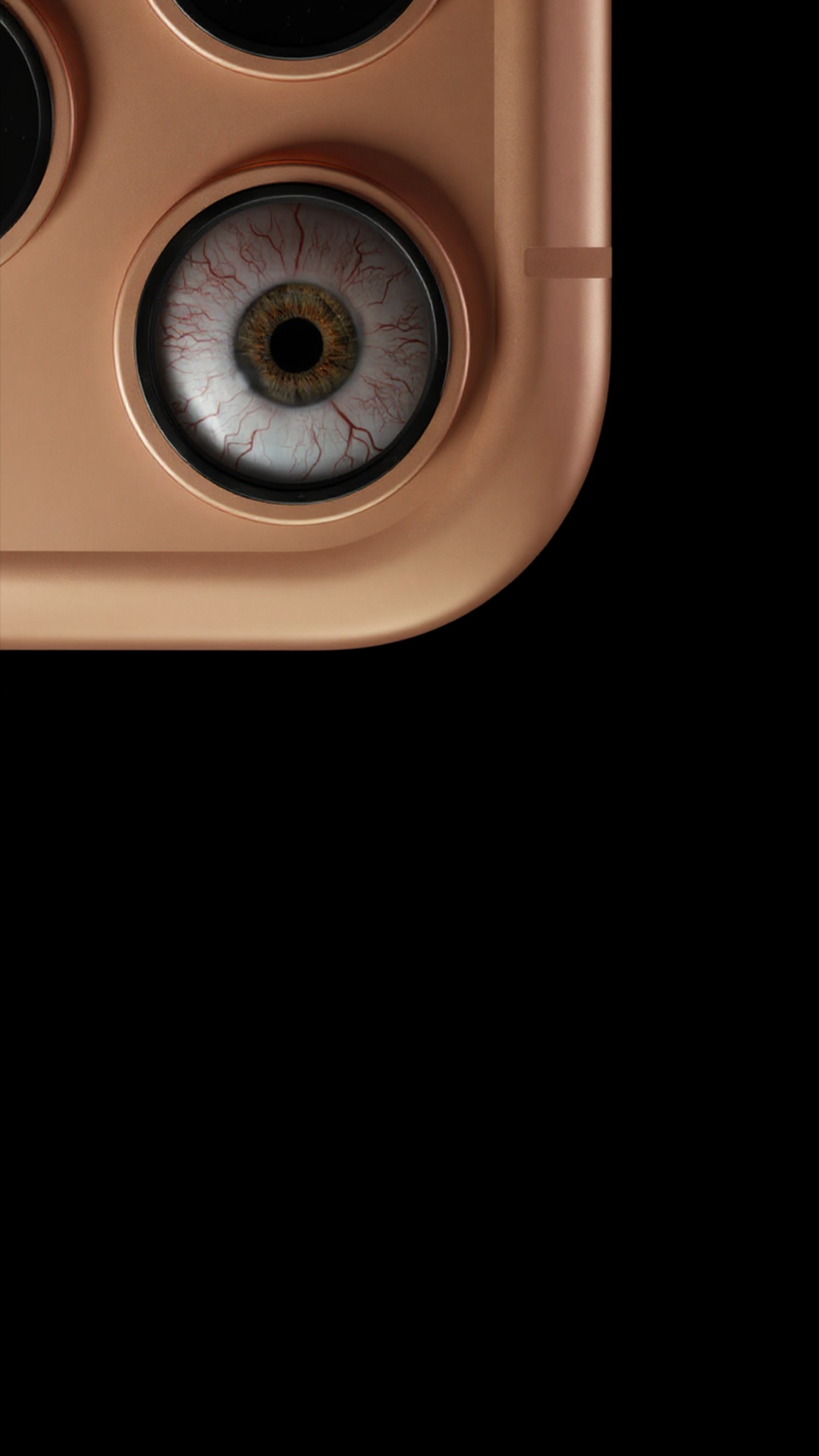
九、镜头9
A silhouette of a woman standing against a vivid orange sunset sky, body facing forward with relaxed posture, hair falling in soft curls, dramatic backlighting creating a dark silhouette. Minimal details on the face and clothing, focus on the glowing sky gradient from deep orange to soft yellow, cinematic composition, moody atmosphere, high contrast.
【免责声明】 本课程内容仅为AIGC技术教学与案例分析之目的,所引用的品牌名称、商标、Logo、广告素材等均属各自权利人所有。本平台与所提及的任何品牌方不存在任何形式的合作、联名、代言或授权关系。课程内容仅供学习参考,不构成任何商业建议。如权利人认为内容涉及侵权,请联系我们(联系方式 WX:Xiaofengguwen010),我们将在核实后第一时间处理。
视频生成执行卡
把这节课压缩成一张可执行卡片:看重点、照步骤、避坑,再复制模板直接开做。
这节课不是先追求炫技成片,而是围绕「苹果-Iphone宣传视频教程」先把主体、动作、镜头和节奏稳住。
按原文节奏走最稳:先吃透「镜头1」,再把「镜头2」定住,接着处理「镜头3」;最后用「镜头4」收口。
- 把「镜头1」这一点先定准,再往下走。
- 把「镜头2」这一点先定准,再往下走。
- 把「镜头3」这一点先定准,再往下走。
- 把「镜头4」这一点先定准,再往下走。
- 把「镜头5」这一点先定准,再往下走。
- 把「镜头6」这一点先定准,再往下走。
不要一上来就生成最终片;先拆镜头、定主体和运动,再逐段生成,否则容易跳轴、穿帮、节奏混乱。
检查主体是否稳定;镜头运动是否明确;前后画面是否连贯;节奏是否服务主题;是否有明显变形或穿帮。
请围绕「苹果-Iphone宣传视频教程」帮我做一个可直接执行的方案。
我的目标是:【填写你的具体目标】
我的素材/产品/角色信息是:【填写已有素材和限制】

请输出:核心创意、分镜表、每个镜头的画面描述、视频生成提示词、剪辑顺序和成片自检清单。要求主体稳定、动作明确、镜头连贯。